Meet the Migration Bundles: A Faster Path to Windows 11
Windows 10 support has ended, and ESU Year 2 starts October 14, 2026. How fixed-scope bundles move your remaining devices to Windows 11 without long scoping.

Windows 10 Support Has Ended. The Next ESU Bill Hasn't Landed Yet.
Windows 10 reached end of support on October 14, 2025. Devices still running it now get security updates only through Microsoft's paid Extended Security Updates (ESU) program, or not at all. Commercial ESU Year 1 covers devices through October 13, 2026. Year 2 costs US$122 per device, and because ESU is cumulative, an organization joining in Year 2 also pays for Year 1. Our Windows 10 ESU guide covers the costs and options in detail.
The goal now is simple: know your exposure and your exit plan before the next ESU year bills. The devices still on Windows 10 are usually the hard ones, and that's where migrations tend to stall:
- Procurement delays turn into deployment delays.
- Compatibility checks start late and run long.
- Stakeholders debate scope while the remaining devices sit unpatched or on ESU.
- User acceptance testing gets squeezed, and there's no time to fix what breaks.
The problem usually isn't the migration itself. It's that the traditional path to it is slow and hard to pin down.
Why SOW-Based Migrations Stall
If the plan for your remaining devices starts with "let's get some quotes," the next ESU year will probably bill first. Most SOW cycles look like this:
- Two weeks of requirements gathering
- Back-and-forth over licensing and headcount
- Rolling scope changes as real-world blockers show up
- Delays, rescoping, and a final bill that doesn't match the original plan
That can work for transformation projects. It doesn't work when every month of delay is another month of ESU or unpatched devices.
The Case for Fixed-Scope Migration Bundles
BITSUMMIT built its Windows 11 Migration Bundles to remove that ambiguity. Every bundle includes:
- Compatibility scans and device readiness checks
- Project management and Change Advisory Board (CAB) support
- Deployment execution, not just guidance
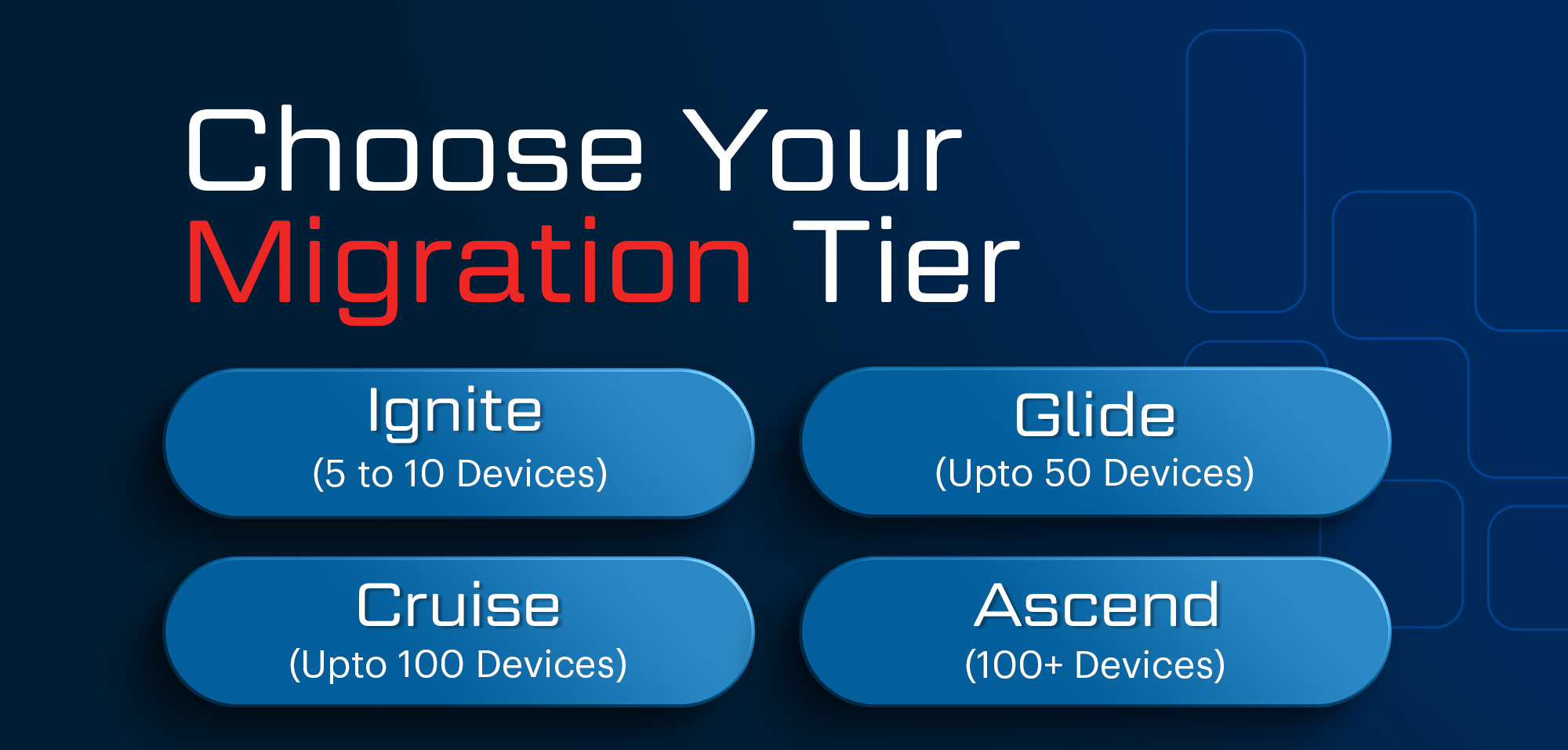
Migration Bundles
Ignite
For small teams or early pilots (5–10 devices).
Includes compatibility scanning, a single-site pilot deployment, project management, and CAB facilitation.
Glide
For organizations rolling out to up to 50 devices.
Includes full technical assessment, device readiness review, hands-on deployment, PM leadership, and CAB coordination.
Cruise
Built for mid-sized migrations (up to 100 devices).
Includes everything in Glide, plus end-user training materials, post-deployment support, and Power BI rollout dashboards.
Ascend
For large, complex, or multi-site environments (100+ devices).
Includes all Cruise features, plus multi-site rollout coordination, retesting validation, and a custom end-user training kit.
Add-Ons (Included in Cruise and Ascend, or à la carte)
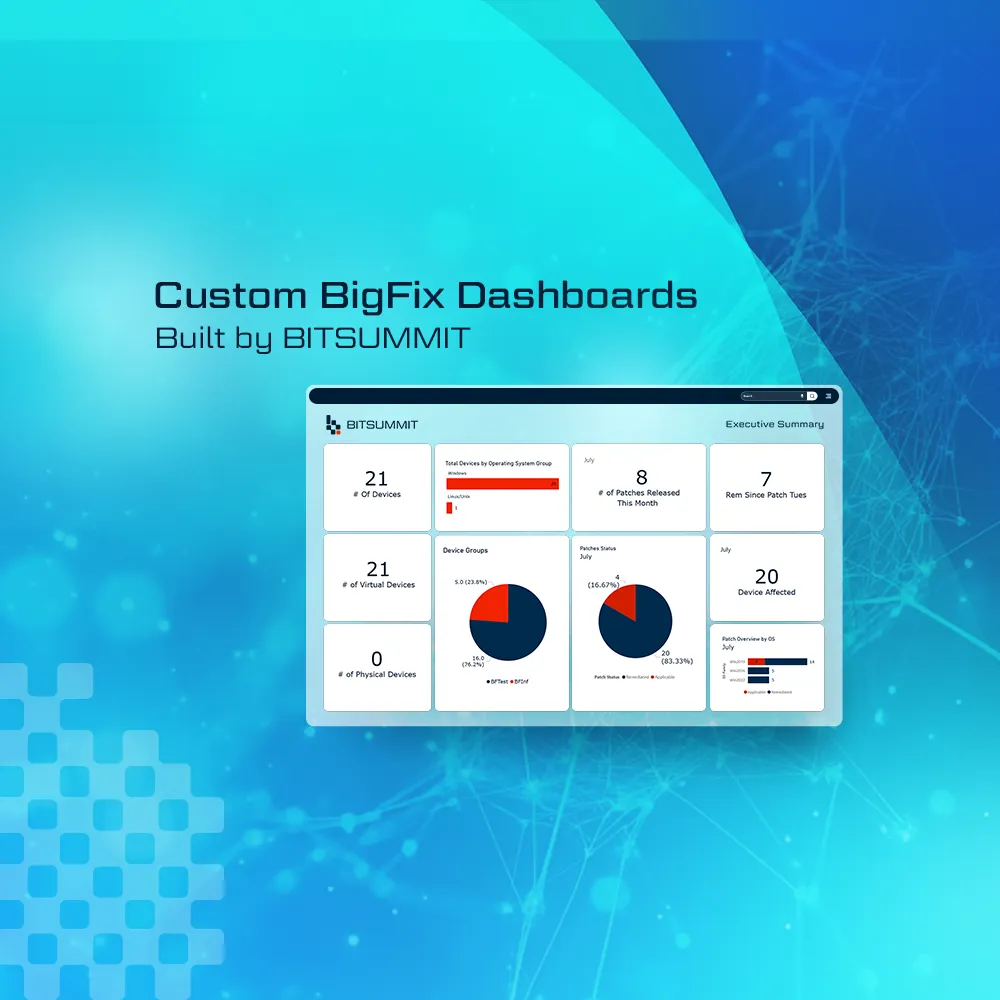
- Power BI Deployment Dashboard: Real-time visibility into progress and compliance.
- Retesting Sweep: Full validation pass post-deployment.
- Custom Training Kit: End-user materials tailored to your organization.
Kickoff begins in under 5 business days. No drawn-out scoping. No surprise change orders.
How Different Industries Approach It
The devices left on Windows 10 tend to be there for a reason, and the reason usually depends on the industry:
Healthcare
- Challenge: Legacy EMRs and diagnostic tools not certified for Windows 11.
- Approach: Targeted compatibility scans, isolating at-risk systems, and a rollout sequence that keeps clinical areas running.
Financial Services
- Challenge: Compliance deadlines and high-stakes audit requirements.
- Approach: Built-in CAB reviews, secure deployment practices, and full validation logging for auditors.
Higher Education
- Challenge: Mixed device environments and tight academic calendars.
- Approach: Rollouts planned around semester breaks, coordinated with faculty and IT, with user training kits to limit classroom disruption.
Retail & Multi-site Operations
- Challenge: Dispersed devices and limited local IT support.
- Approach: Regional deployment phases, Power BI dashboards for central tracking, and remote validation for endpoint consistency.
For workloads tied to legacy applications that can't move yet, a cloud desktop can be the bridge: Windows 10 VMs in Azure Virtual Desktop and Windows 365 get ESU at no extra cost. Our Azure Virtual Desktop vs. Windows 365 comparison covers which fits.
From the Field
For a real example, see Reliance & GDI Beat the Windows 10 Deadline: one standardized Windows 11 image across 15 hardware models for Reliance, and a 25-device Intune pilot for GDI.
Where BITSUMMIT Fits In
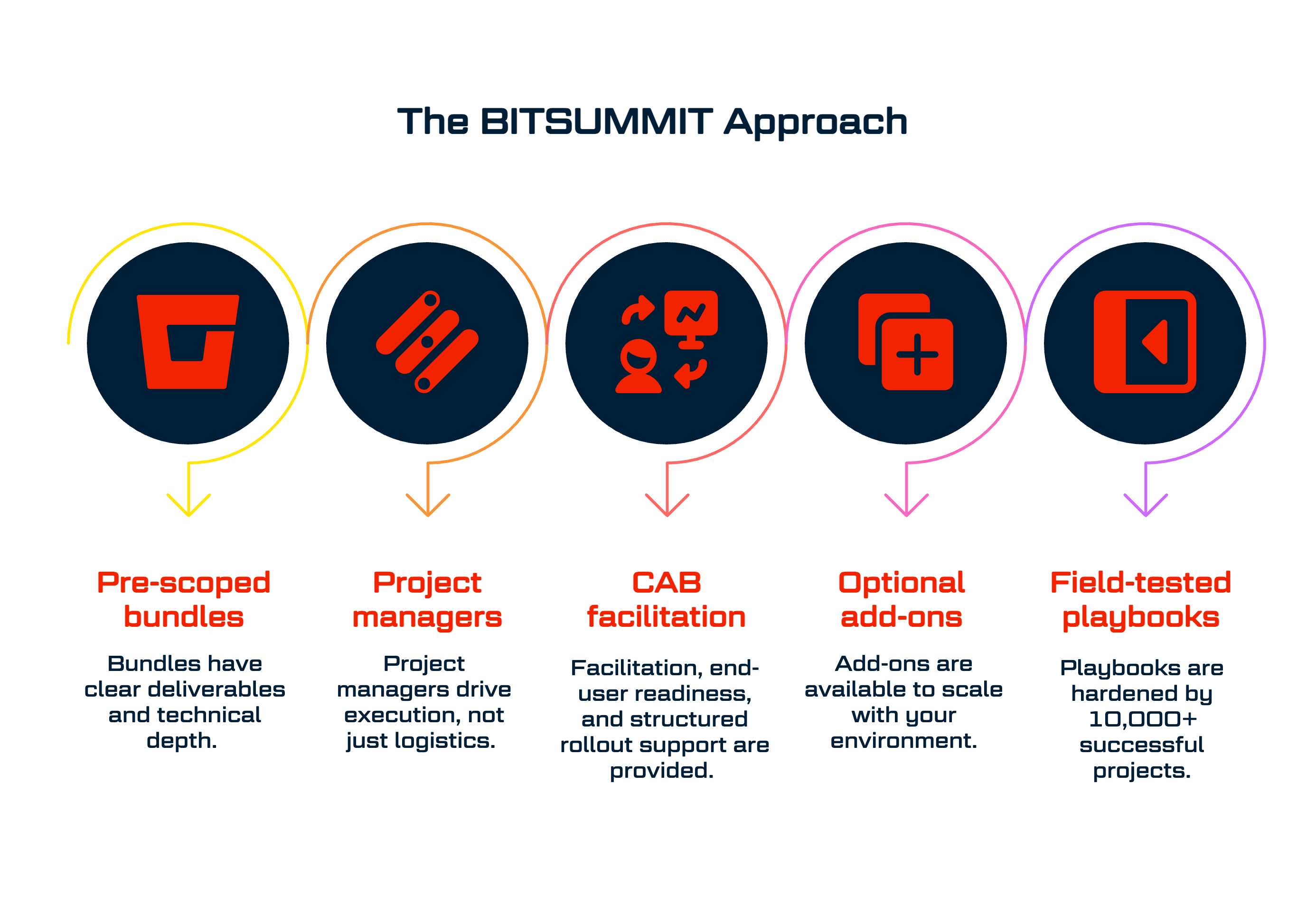
When you choose BITSUMMIT, you get:
- Pre-scoped bundles with clear deliverables and technical depth
- Project managers who drive execution, not just logistics
- CAB facilitation, end-user readiness, and structured rollout support
- Optional add-ons that scale with your environment
Next Steps: Know Your Exposure, Then Move
Start by counting the devices still on Windows 10 and deciding, one by one, which upgrade, which get replaced, which move to a cloud desktop, and which stay on ESU for a limited time.
Here's how we help:
- No-Cost Readiness Diagnostic: We assess your current environment and identify technical blockers up front.
- Right-Sized Bundle Recommendation: You get a clear path to deployment with the right scope and support model.
- Fast Start, Real Execution: Once you approve, we kick off within five business days, with no drawn-out sales cycles or scope rewrites.
Check your Windows 10 exposure and we'll help you set the exit plan.

Subscribe for the field notes
Join our community of 100+ IT professionals and get tech tips and BITSUMMIT updates once a month.

Follow our social media channels; we are a supportive community sharing meaningful content.