Governance: The Final Step Between Illusion and Impact
Copilot works with the permissions you already have. See the governance guardrails, and Microsoft's own oversharing steps, that make a rollout safe to widen.

The Risk Is Already in the Tenant
Every Copilot conversation eventually reaches the same topic: security and governance.
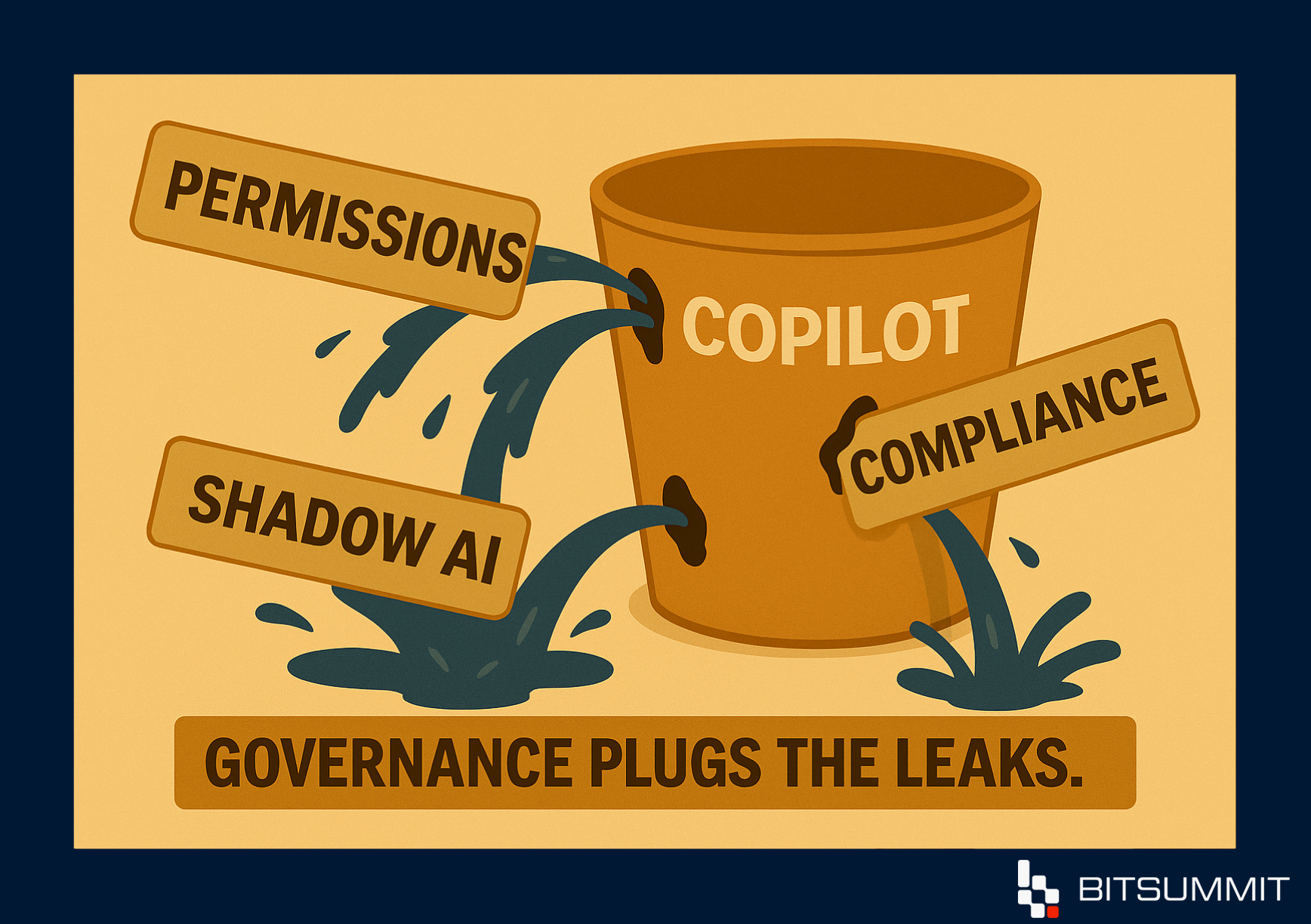
Copilot works with the permissions you already have. If a file is shared more widely than it should be, Copilot can surface it to anyone who already has access. That is why weak permissions and unclear rules turn into compliance questions once Copilot is switched on.
Governance is not a side project at the end of a rollout. It is what makes a Copilot rollout something you can control, measure and defend.
Full Circle: The Gaps This Series Covered
Over the past three editions of Copilot Chronicles, we looked at the assumptions that slow Copilot down:
Edition 1: Instant intelligence isn’t instant readiness. GPT-5 arrived inside Microsoft 365 on day one, but when systems are messy, smarter tools amplify the mess.
Edition 2: Licenses don’t equal adoption. Buying seats without changing workflows creates shelfware. Copilot sits idle unless people are trained and supported to use it.
Edition 3: Deployment doesn’t happen by itself. The icon in Word or Teams is not a deployment. Real deployment starts when licensing, readiness and governance line up.
This edition closes the series with the piece that connects them: governance. Leave it out, and each of those problems gets harder to fix.
Why Governance Gets Skipped, and Why It Matters
Organizations tend to stumble here for the same reasons:
- Messy permissions: if tenant hygiene is weak, Copilot reflects it faithfully.
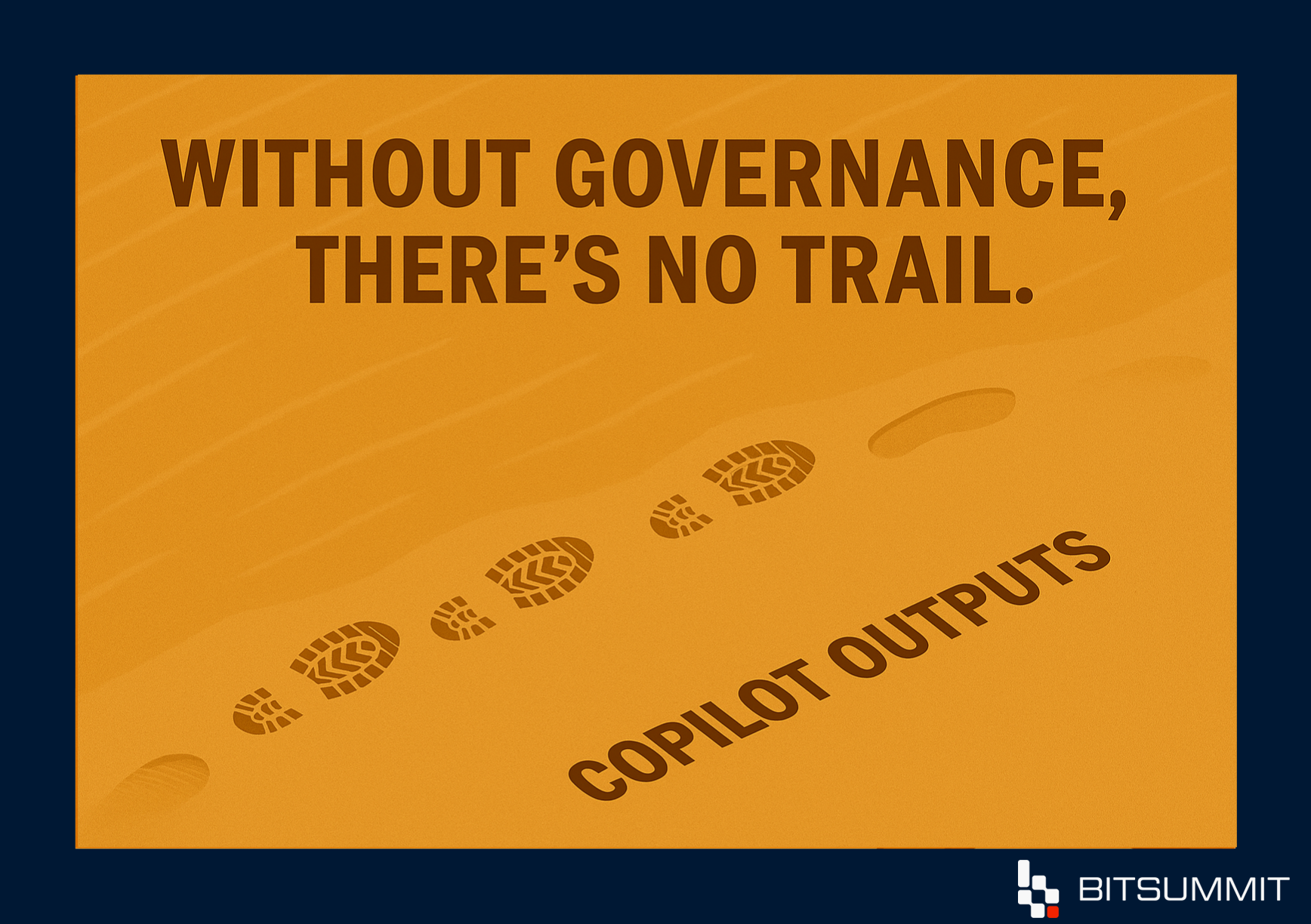
- No audit trail: AI outputs get reused without anyone knowing where they came from.
- Unguided adoption: users experiment without guardrails, and IT can’t see which AI tools and data are in use.
None of this is caused by Copilot. Copilot makes it visible faster, which is why the foundation matters before the rollout widens.
What Governance Looks Like in Practice
Governance isn’t abstract policy. It is a set of concrete guardrails:
- Data access hygiene, so Copilot respects your permissions model.
- Clear rules for who can use Copilot, how, and with what data.
- Pilot champions and admins who are accountable for usage and adoption.
- Ongoing monitoring through adoption dashboards and ROI checks.
Where Microsoft’s Own Guidance Starts
Microsoft’s guidance for a secure and governed foundation for Copilot starts with oversharing, in three steps:
- Find the high-risk sites. Use Microsoft Purview Data Security Posture Management (DSPM) and the SharePoint Advanced Management (SAM) content management assessment to find sites that are overshared, ownerless, inactive or hold sensitive data.
- Apply interim protections. Turn on Restricted Content Discovery for sensitive sites, which keeps them out of Copilot and organization-wide search without changing permissions, and configure Purview data loss prevention for Copilot.
- Fix access and ownership. Remove excessive access, correct broken inheritance, assign accountable site owners, then remove the interim controls.
Assigning at least one Copilot license gives SharePoint administrators the SAM features that support a Copilot deployment, so most of these tools are already available once you buy Copilot. The work is in using them before the rollout widens. For an example of governance work in a live tenant, see how we modernized security with Microsoft Purview for the City of Kawartha Lakes.
Copilot-as-a-Service: Governance Built In
At BITSUMMIT, we built Copilot-as-a-Service (CaaS) because governance can’t be bolted on at the end. It has to be designed in from the start.
CaaS is a 12-month structured program that builds governance into every stage:
- Align: governance validation, licensing checks and prioritized use cases.
- Adopt: pilot rollouts with scenario-based training and ROI baselines.
- Amplify: wider deployment with guardrails, integration and adoption dashboards.
- Accelerate: ongoing enablement, advanced use cases and ROI dashboards.
Unlike licensing-only adoption, CaaS puts security, workflows and measurement into the rollout itself, so Copilot gets used, and you can show how.
Final Thought
Across this series, the gaps were the same: intelligence without readiness, licenses without adoption, icons without real deployment.
They all point to one conclusion: Copilot without governance isn’t a finished deployment.
With governance in place, Copilot becomes something you can trust, scale and measure.
If you want to check where your tenant stands before you widen the rollout, talk to a senior engineer about Copilot-as-a-Service.


Subscribe for the field notes
Join our community of 100+ IT professionals and get tech tips and BITSUMMIT updates once a month.

Follow our social media channels; we are a supportive community sharing meaningful content.